


VOTEN supplies intraoral cameras for the three set-ups clinics actually buy: a USB camera for an existing PC or Android device, a Wi-Fi camera with its own 17-inch monitor, and 19- and 24-inch all-in-one camera computers that also connect a digital sensor and X-ray unit. Every model ships from Foshan with a 1-year warranty and online technical support, and OEM branding is available for distributors.
All 5 models
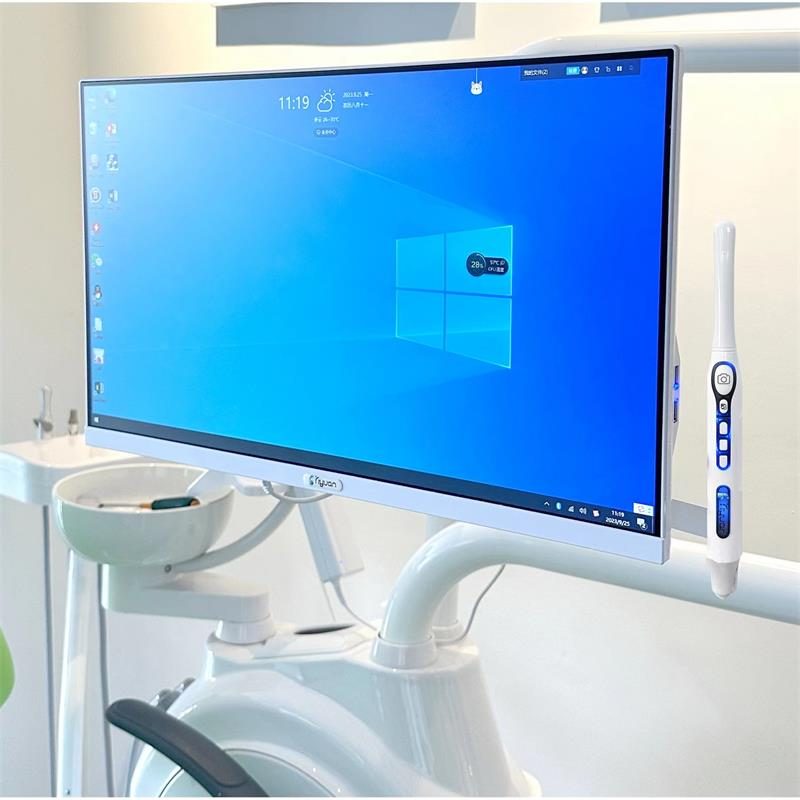
X6 24-Inch Touch-Screen Intraoral Camera Computer
Chairside imaging station: a 24-inch touch-screen Windows 10 PC with a built-in HD intraoral camera, Wi-Fi, and inputs for a digital sensor and X-ray unit.
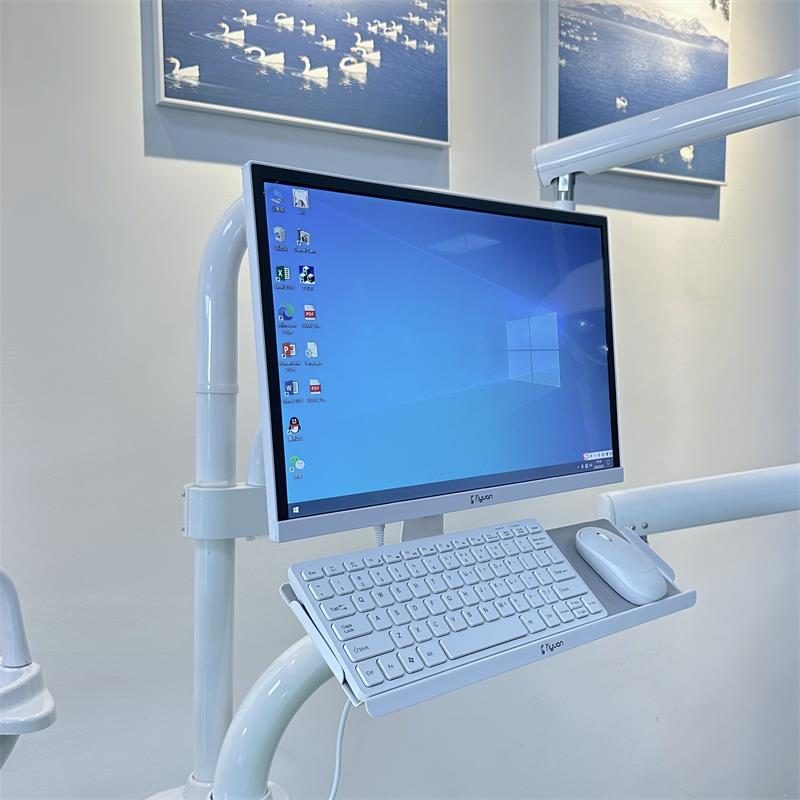
X5 19-Inch Intraoral Camera Computer with Keyboard Tray
Compact chairside imaging station: a 19-inch touch-screen Windows 10 PC with HD intraoral camera and Wi-Fi, mounted on the chair arm with a keyboard and mouse tray.
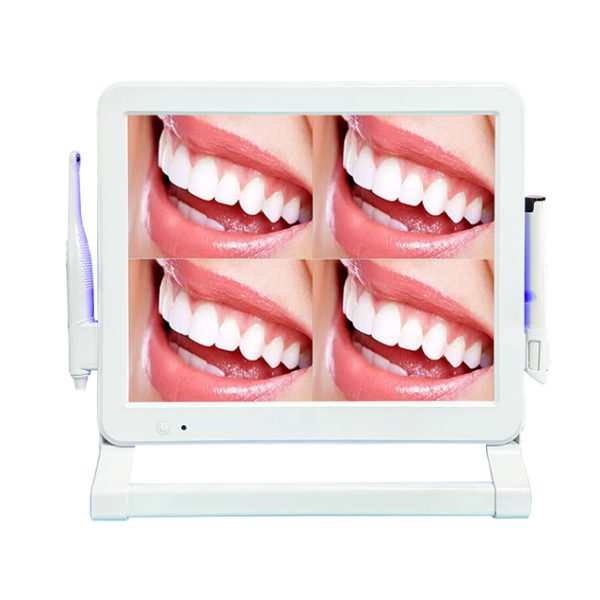
X3 17-Inch Wi-Fi Intraoral Camera with Monitor & UV Holder
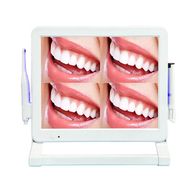
Stand-alone camera and monitor, no PC needed: Wi-Fi/Bluetooth handpiece, 17-inch screen with single or four-image view, JPG to USB and a UV-disinfection handpiece holder.
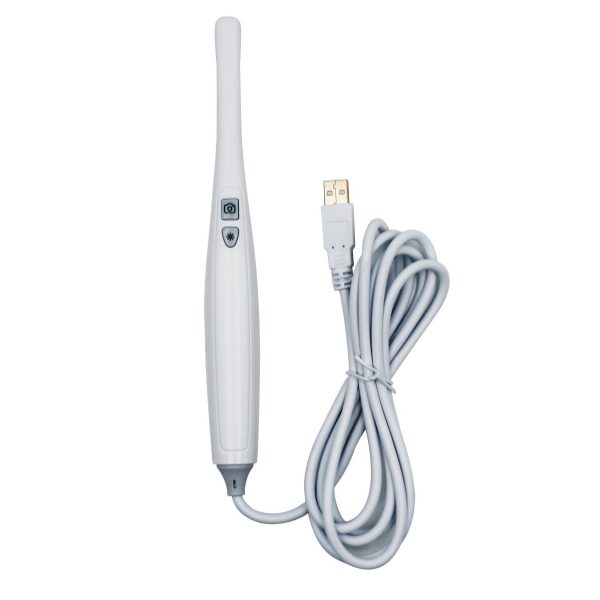
X8 USB Intraoral Camera for PC, Laptop & Android
Plug-and-play HD intraoral camera: USB to a Windows PC or laptop, or USB Type-C to an Android phone or tablet. Two-button capture, 5–50 mm focus, JPG images.
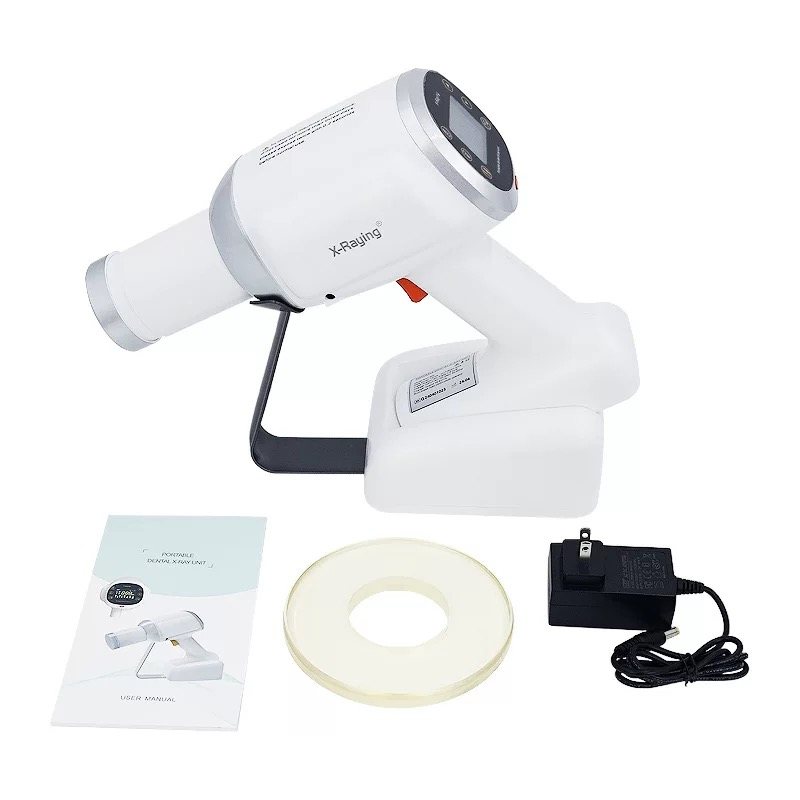
Portable Handheld Dental X-Ray Unit
Handheld DC X-ray with rechargeable battery, compatible with digital sensors and film.
Which intraoral camera fits which clinic
The cable is rarely what decides the sale. What decides it is whether the clinic has a PC at the chair and whether it is adding a sensor or X-ray unit.
| Feature | X8 USB | X3 Wi-Fi monitor | X5 19" computer | X6 24" computer |
|---|---|---|---|---|
| Screen | Clinic PC, laptop or Android device | 17" monitor, 1280 × 1024 | 19" touch, 1366 × 768 | 24" touch, 1366 × 768 |
| Needs a PC? | Yes, or an Android phone / tablet | No — embedded system | No — it is the PC | No — it is the PC |
| Handpiece link | USB cable | Wi-Fi / Bluetooth | Cable to the computer | Cable to the computer |
| Image storage | On the connected device (JPG) | USB flash disk, up to 32 GB (JPG) | Built-in 128 GB SSD | Built-in 128 GB SSD |
| Sensor & X-ray | Through the clinic's software | No | Yes | Yes |
| Best for | Entry price, mobile and outreach work | Clinics without a PC at the chair | Compact surgeries, keyboard users | Case presentation with X-ray on one screen |
Frequently asked questions
Which intraoral camera should a distributor stock first?
Most distributors start with three: the X3 Wi-Fi monitor as the default for clinics without a PC at the chair, the X8 USB camera as a low-price entry item, and one all-in-one (X5 or X6) for clinics that are adding a digital sensor or X-ray unit. Our wired vs wireless buyer's guide explains how to match each configuration to a clinic.
Do you offer OEM branding on intraoral cameras?
Yes, OEM is available. Tell us the model, quantity and where you want your brand (monitor, handpiece, packaging, manual) and we confirm what is possible for that model on the proforma invoice.
Do the cameras need a computer?
Only the X8. It plugs into a Windows PC or laptop over USB, or an Android phone or tablet over USB Type-C. The X3 has its own monitor with an embedded system, and the X5 and X6 are Windows 10 computers themselves.
Which models connect to a digital sensor and X-ray unit?
The X5 and X6 all-in-one computers. Photos and radiographs are then viewed and stored on one screen at the chair. The X8 works with sensors only through the clinic's own imaging software; the X3 does not connect to X-ray.
What warranty and support come with the cameras?
Every camera has a 1-year warranty and online technical support. For your local service stock we recommend spare handpieces and cables, the parts that see the most wear.
In what format are images saved?
JPG on all models. The X3 saves to a USB flash disk (up to 32 GB), the X8 saves to the connected computer or phone, and the X5 and X6 save to their built-in 128 GB SSD.
Related guides
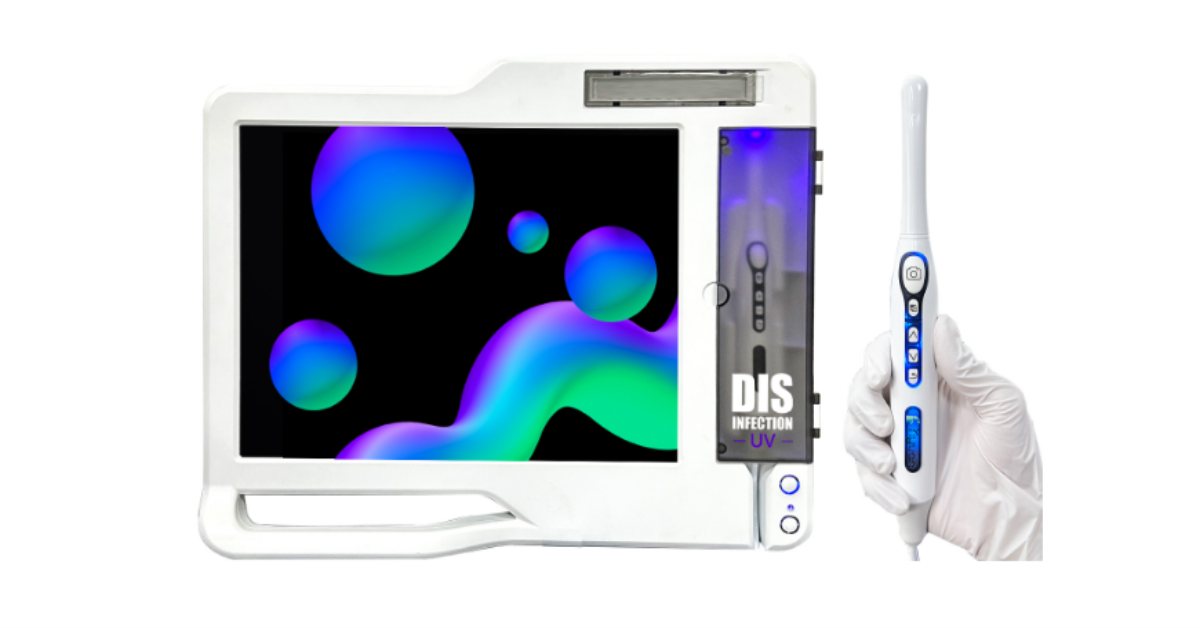
Intraoral Camera Buyer's Guide 2026: Types, the Specs That Matter, and How to Choose a Manufacturer
There is no single best intraoral camera — there is the right one for a clinic's set-up. This guide explains the four types sold in 2026, which specifications actually change the picture and which are marketing, what drives the price, how to choose a camera manufacturer in China, and which configuration to recommend to which clinic.
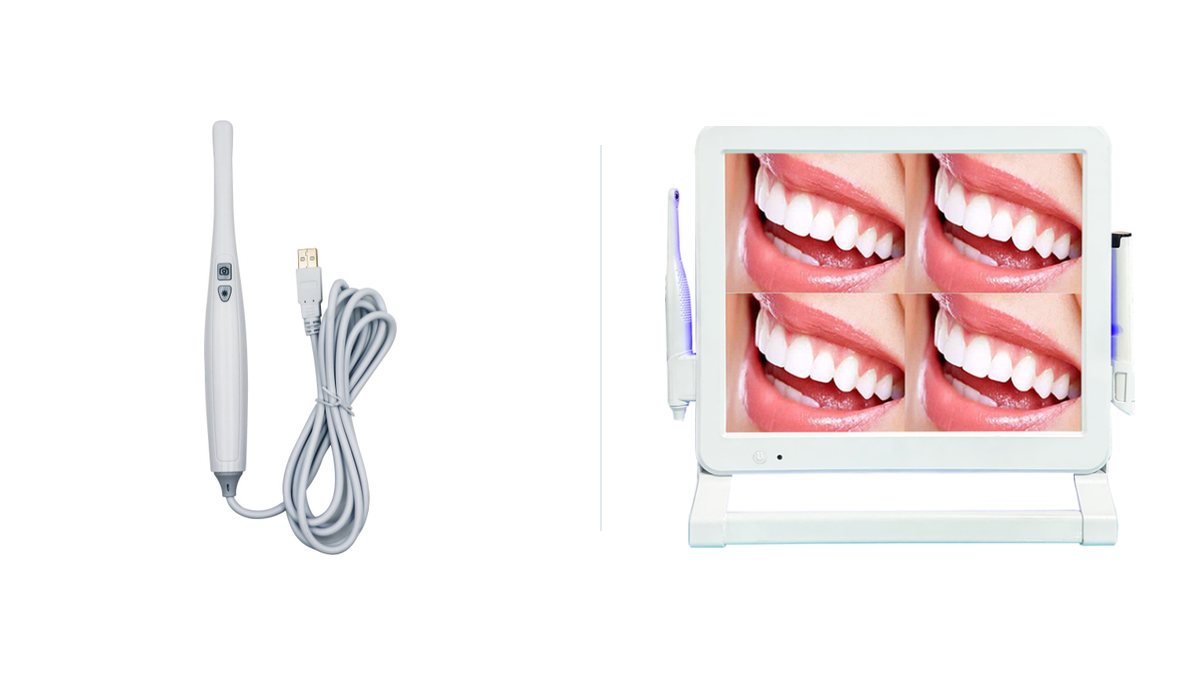
Wireless vs Wired Intraoral Cameras: A Comparison for Dental Distributors
Wired or wireless intraoral camera? A dealer's comparison of the four real configurations — USB, monitor-connected, WiFi handpiece and all-in-one touch computer — covering image quality, latency, clinic WiFi, infection control, integration with sensors and X-ray, and which failure points to plan spare parts around.
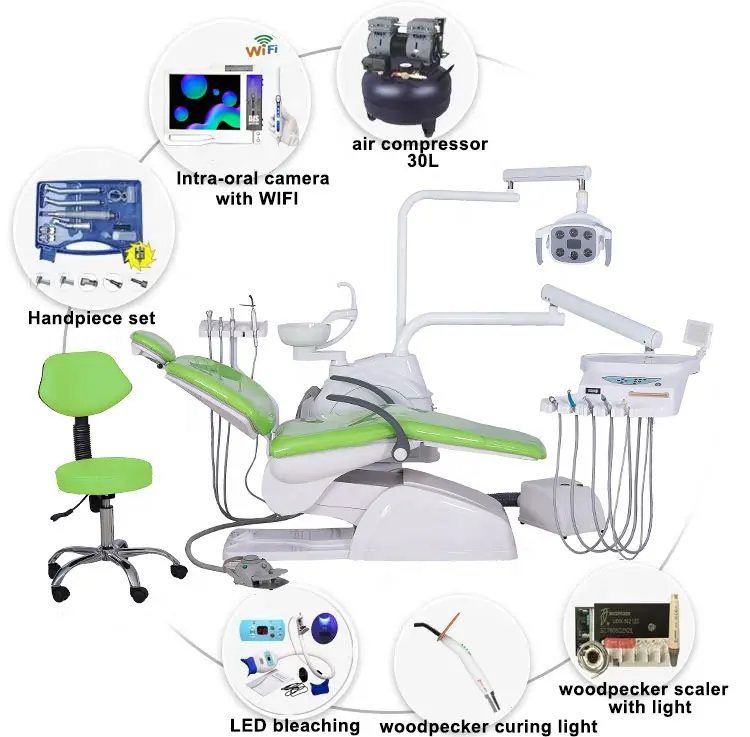
Dental Clinic Equipment Checklist for a New Practice
A complete room-by-room equipment list for opening a one- or two-chair dental clinic, written for the dealers who quote these projects: what goes in the surgery, the sterilisation room and the reception, quantities, and the items buyers most often forget.
Prices for Cameras & Imaging
A single unit for your own clinic, or volume pricing for resale — tell us which and we reply within one business day.